
Technology
Branding in the PARQ system
Pay station, screens at entry and exit, payment page and portals carry your logo, your colours and your typeface. You upload your logo, choose the colours and see the result straight away. Your parkers therefore meet your house even when parking, and not an outside provider.
Branding
Try it out.With your logo, your colour.
Logo
PNG, SVG or WEBP, max. 2 MB. Stays in your browser.
Name
Brand colour
Typeface
Enter licence plate
Sample view. In the portal you define the full logo, small logo, favicon, typeface and colours.
Branding in everyday use.
Your parkers see the parking system in several places: on the start screen of the pay station, on the screen at entry and exit and on the payment page in the browser. These interfaces carry your design, not ours. Logo, colours and typeface come from you and apply there just as in the admin portal and the client portal. You upload your logo, choose your colours, and the result is visible immediately, without a detour via us. That keeps the site part of your house: guests of a hotel, visitors to a clinic or citizens of a municipality meet the familiar brand, even when parking. Operation stays unchanged; only the appearance changes. What matters is that your parkers can tell on every interface straight away where they are and who the site belongs to.
What can be adapted
From the admin and client portal through the start screen of the pay station and the screen at entry and exit to the payment page in the browser: logo, colours and typeface come from you. Operation stays the same, so nobody has to relearn.
- Logo and colours on the pay station and screens
- Payment page in the branding of your house
- Several languages for your guests
Further functions
- Vehicles on the area, live
- Every parking session with entry and parking duration
- Revenue per area and payment source
- Outstanding receivables in view
- Violations recorded automatically
- Automatically transmitted to your service provider
- Whitelist individually, as a group or by list
- Authorisations for an occasion
- Tariffs per area and time window
- Free parking periods and special rules
- Night, weekend and monthly tickets with a fixed term
- Valid for the areas you define, with period and capacity if desired
- Your own rules for each area
- Utilisation per zone
- Peak times, parking duration and much more
- Raw data export as JSON, XML, CSV, Excel or PDF
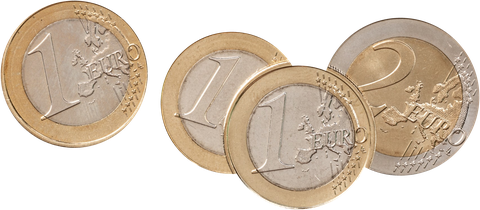
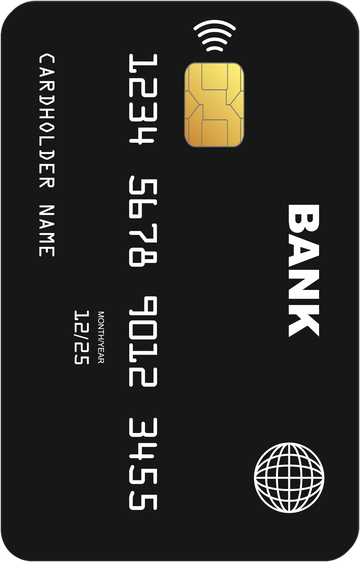
- At the pay station: card, contactless or Apple/Google Pay, and with the PARQ Automat A2 cash too
- Via app or QR code
- Authorisation via QR code and charging receipt
- Your rule for people charging
- At a tablet on site, e.g. at reception
- With a disability card via QR code
- Connecting existing barriers and roller doors instead of replacing them, as far as the controls allow
- Open REST-API, fully documented
- GDPR-compliant
- Encrypted transmission
Your parking system. Your rules.
Ready at a click.
Branding: common questions.
Yes. Logo, colours and typeface are set to your house and appear on the start screen of the pay station, on the screens at entry and exit and in the admin and client portals. You upload your logo yourself and see the result immediately. Operation stays unchanged.
Yes, the payment page in the browser can also be adapted and then carries your logo and your colours. That keeps the whole journey with your brand, from the sign at the entrance through the pay station to the payment afterwards. Your drivers therefore know straight away who the site belongs to.